 Click here to check if your computer system meets the technical requirements necessary to view the courses.
User Guides - How to Get a Certificate of Completion
1. On the Course Menu page, locate the "Completion Certificate" section and click on the
Certificate link. This link will become active after you pass the Final Exam.
(see screen below)

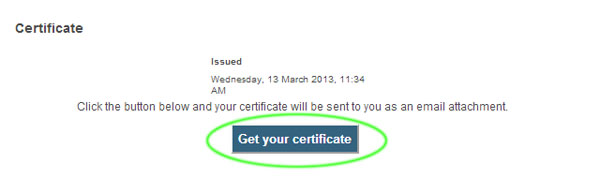
2. On the Certificate Page, click on the "Get your certificate" button to automatically generate
a PDF version of the Completion Certificate.
(see screen below)
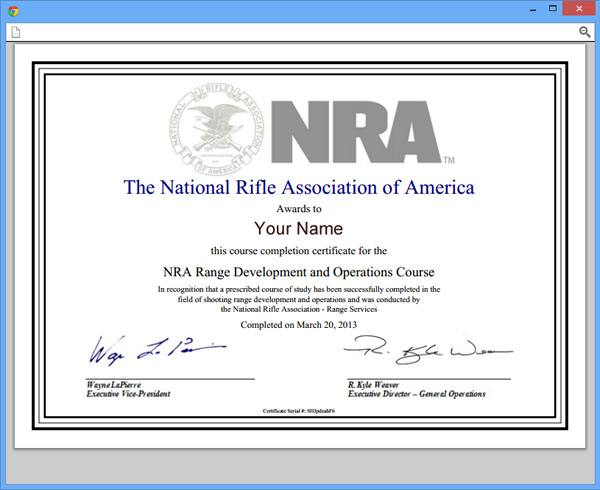
3. A copy of the certificate will appear on a pop-up and you will be able to save it and/or
print it. Another copy will be e-mailed to you.
(see screen below)
Last modified: Tuesday, March 25, 2014, 11:34 AM
Skip System Compatibility CheckerSkip Technical Support
System Compatibility Checker
Technical Support
 Click here to contact our help desk and request technical assistance.
 |
EXPLORE | FOLLOW US | |||||||
| The National Rifle Association is America's longest-standing civil rights organization. Together with our more than five million members, we're proud defenders of history's patriots and diligent protectors of the Second Amendment. |
|
 |
 |
||||||
| © 2023 National Rifle Association of America, General Operations. This may be reproduced. This may not be reproduced for commercial purposes. Privacy Policy | |||||||||